Testing flows
On top of its integrated editors (scripts, flows, low-code apps, full-code apps), Windmill allows users to see and test what they are building directly from the editor, even before deployment.
Instant preview in Flow editor
The flow editor has several methods of previewing results instantly.
Testing the flow or certain steps is often required to have the outputs of previous steps suggested as input for another step:
A step linked to a saved AI agent runs the agent's draft, if it has one, when tested.
Test flow
While editing the flow, you can run the whole flow as a test.
Click on Test flow. This will open a drawer with the flow's inputs and its status.
Upon execution, you can graphically preview (as a directed acyclic graph) the execution of the flow & the results & logs of each step.
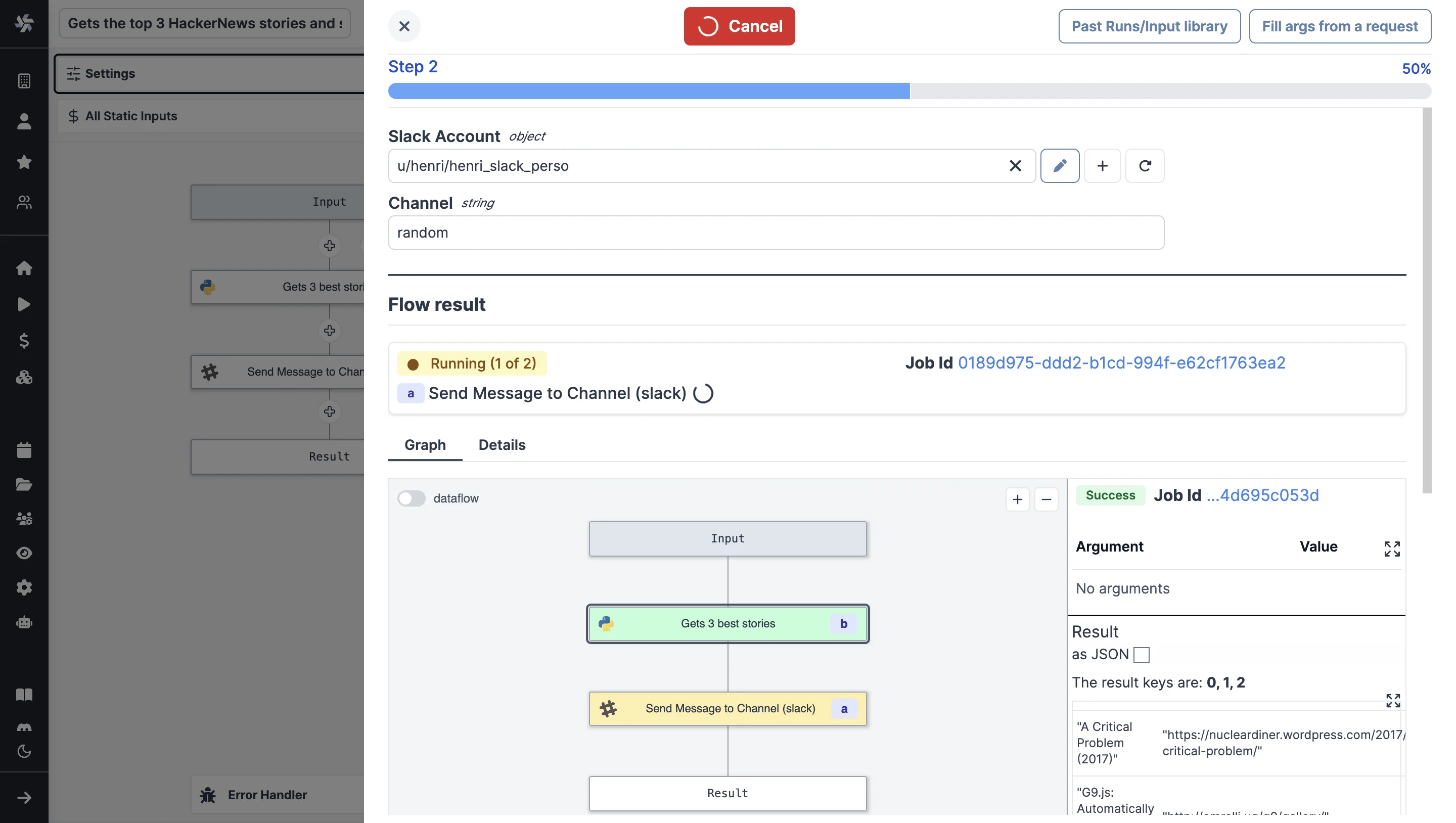
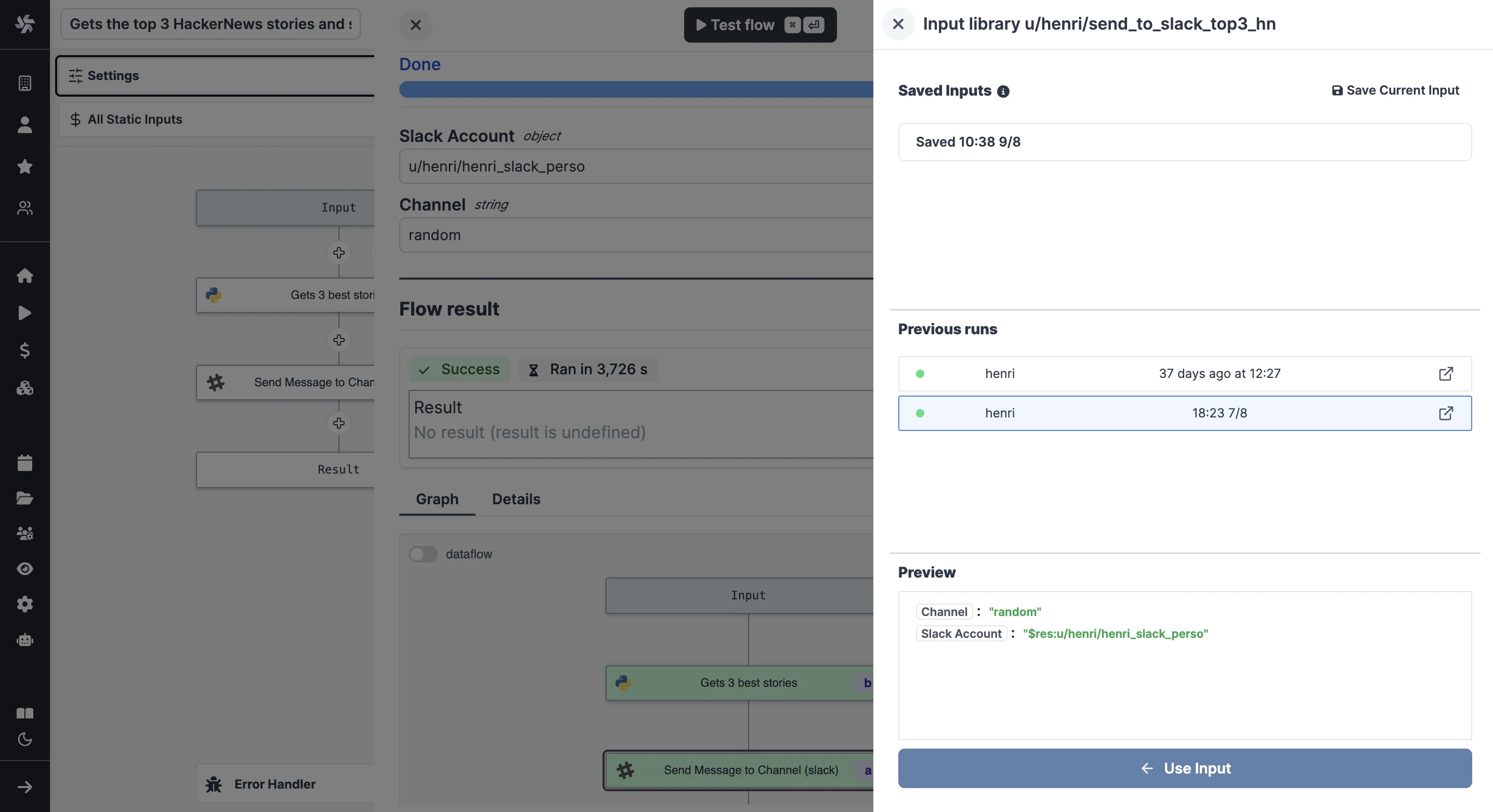
From the menu, you can also access past runs & saved inputs.
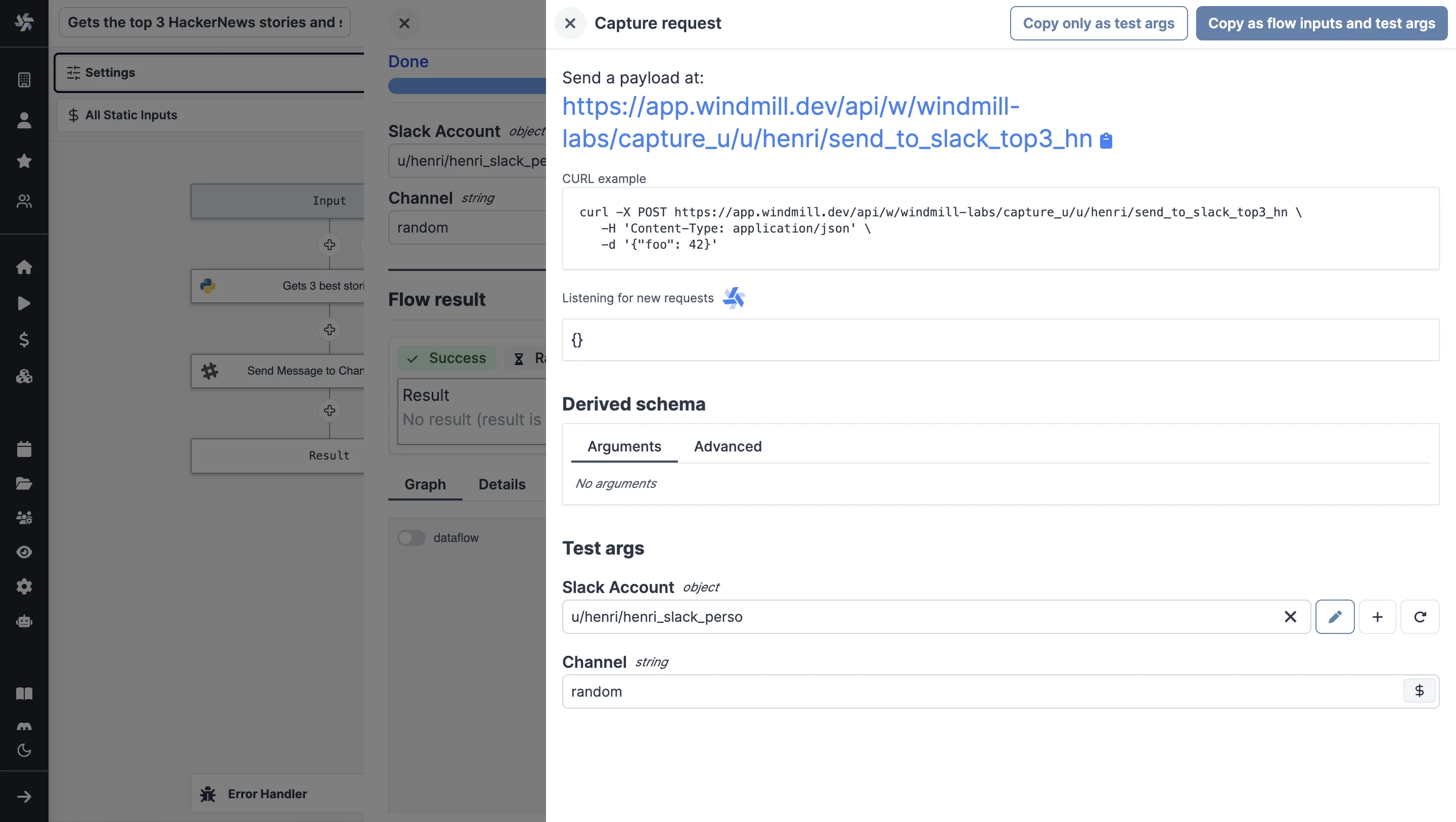
At last, you can fill arguments from a request.
Test up to step
As for Test flow, you will get the same components (Flow inputs, status, input library etc.), only the flow will execute until a given step, included.
Test an iteration
For loops and While loops can be tested for a specific iteration.
Restart from step, iteration or branch
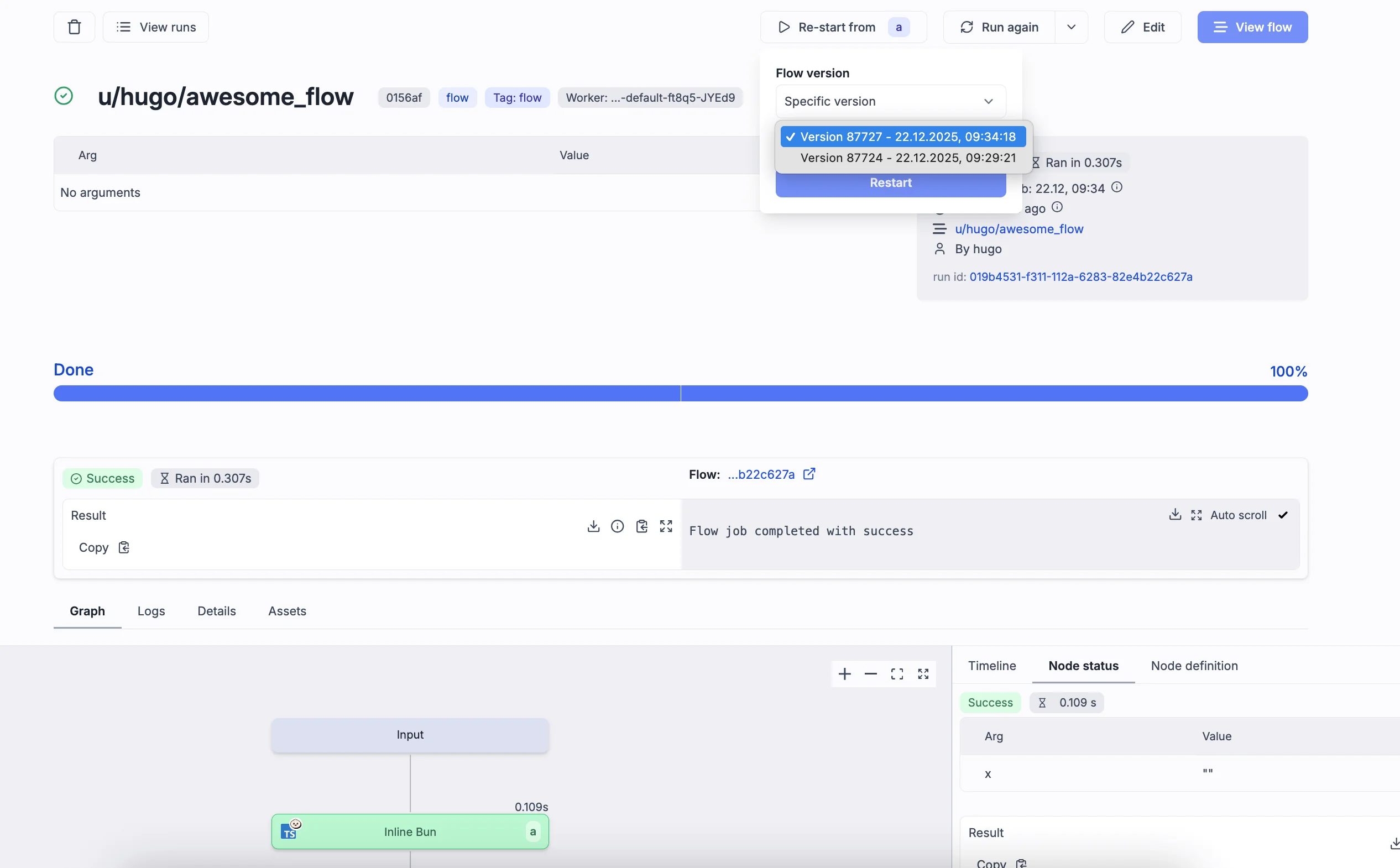
Restart a flow at any given top level step. For-loop and branch-all can be restarted at a specific iteration/branch. In the flow preview page, just select a top level node and a "Re-start from X" button will appear at the top, next to "Test flow".
To see how it works, see our dedicated blog post.
Under Cloud plans & Self-Hosted Enterprise Edition, this feature is also available for deployed flows.
Test this step
Test this step is a way to test a single step of the flow. It comes useful to check your code or to have the results of your current steps suggested as inputs for further steps.
The arguments are pre-filled from the step inputs (if the arguments use results from previous steps, they will be used if those were tested before), but you can change them manually.
Test a deployed flow from a script
A test script can run a deployed flow with some of its steps overridden, using testFlow from the TypeScript client or test_flow from the Python client.
Each entry of steps maps a step id to one of:
- a value: the step does not run and returns that value, like a mock;
- a function of the test script's own file: the step runs that function instead of its code, with the step's inputs as arguments, matched by name.
A step inside a subflow is named by the path of step ids to it: notify:post is step post of the subflow that step notify calls, at any depth (a:b:c).
- TypeScript (Bun)
- Python
import * as wmill from 'windmill-client';

// Must be exported: the step calls it by name
export function fakeFetch(url: string) {
	return { status: 200 };
}

export async function main() {
	return await wmill.testFlow('f/flows/sync', { user: 'a' }, {
		fetch_users: fakeFetch, // replaced logic
		send_email: 'sent', // mocked result
		'notify:post': 'ok' // step `post` of the subflow that step `notify` calls
	});
}
import wmill

# Must be a named, top-level function: the step calls it by name
def fake_fetch(url: str):
    return {"status": 200}

def main():
    return wmill.test_flow(
        "f/flows/sync",
        {"user": "a"},
        steps={
            "fetch_users": fake_fetch,  # replaced logic
            "send_email": "sent",  # mocked result
            "notify:post": "ok",  # step `post` of the subflow that step `notify` calls
        },
    )
testFlow and test_flow wait for the flow and return its result; testFlowAsync and test_flow_async return the job id instead.
The test runs the latest deployed version of the flow as a flow preview, with the overrides applied to a copy: the deployed flow is not changed.
What to expect from a test run:
- It needs a role with the Write code capability, even when it only mocks steps.
- Replacing a step with a function only works from a script running in Windmill, written in TypeScript (Bun or Deno) or Python, with no other files attached. Mocking a value also works from outside Windmill.
- The flow's preprocessor does not run:
argsare what the flow receives after it. - Result caching is off for the tested flow and for every overridden subflow.
- Pins and mocks set in the editor for test runs only are ignored on steps the test does not override. Those that apply to every run are kept.
- AI agent tools cannot be overridden: override the agent step instead.
- A subflow override applies to every call of that subflow made by the tested flow, and two steps calling the same subflow cannot override it differently. Overridden subflows, and every subflow on the way to an override, run as you rather than as their run-on-behalf-of identity. Subflow overrides need every worker on 1.879.0 or later, and restarting a test run drops them.
- When the test script waits for the flow, a second worker must be free to run it, as with any script that runs a flow and waits for its result.