Step mocking / Pin result
Step mocking and pinning results allows faster iteration while building flows. When a step is mocked or pinned, it will immediately return the specified value without performing any computation, in test runs only or in every run.
Mocking vs Pinning
There are two ways to control step execution:
- Mocking: Set a custom return value that will be used instead of running the step.
- Pinning: Use a previous successful run result as the return value.
Accessing step results
You can access and manage step results in two ways:
- Directly by clicking on the step bottom arrow in the flow view for quick access.
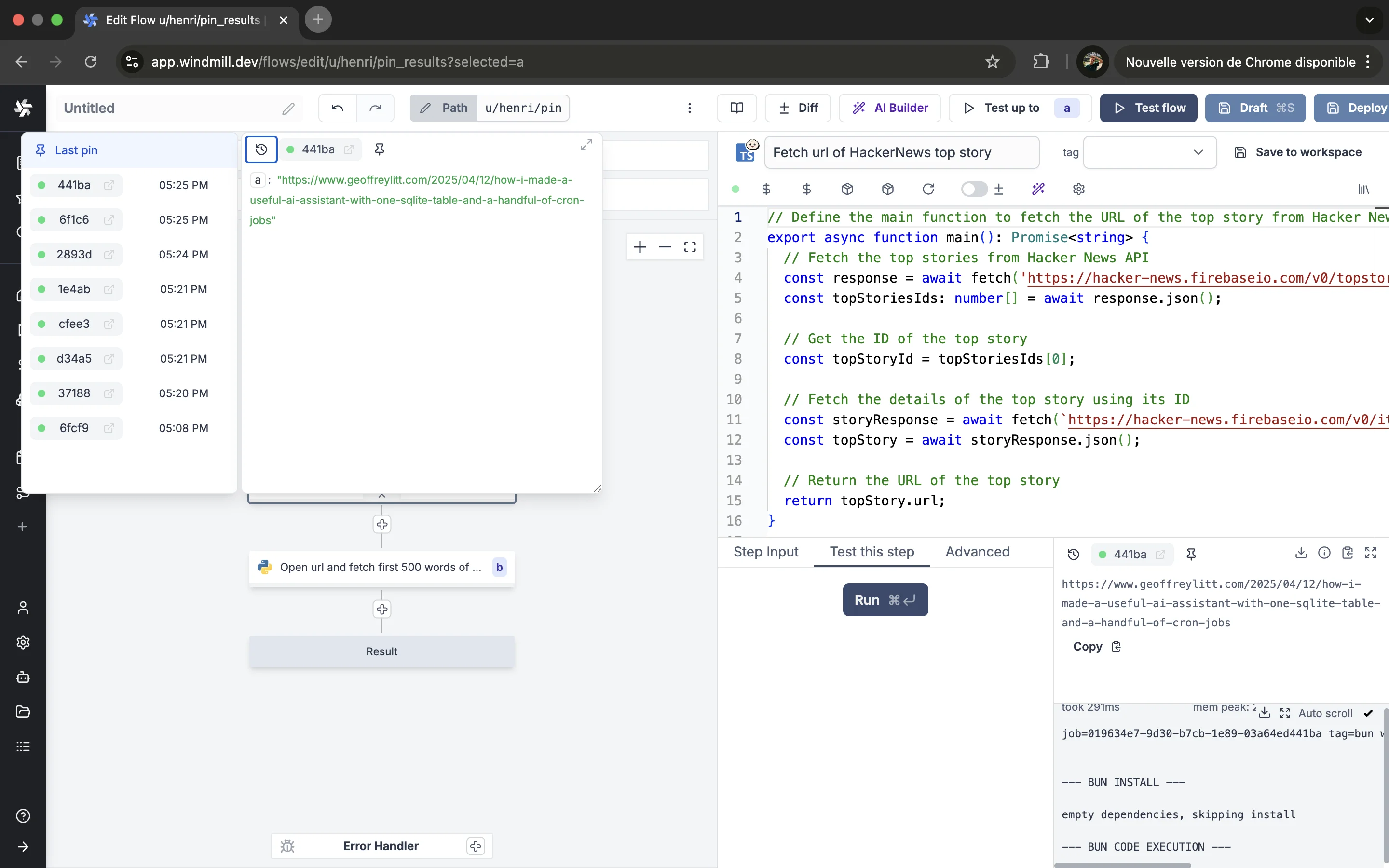
- From the step's
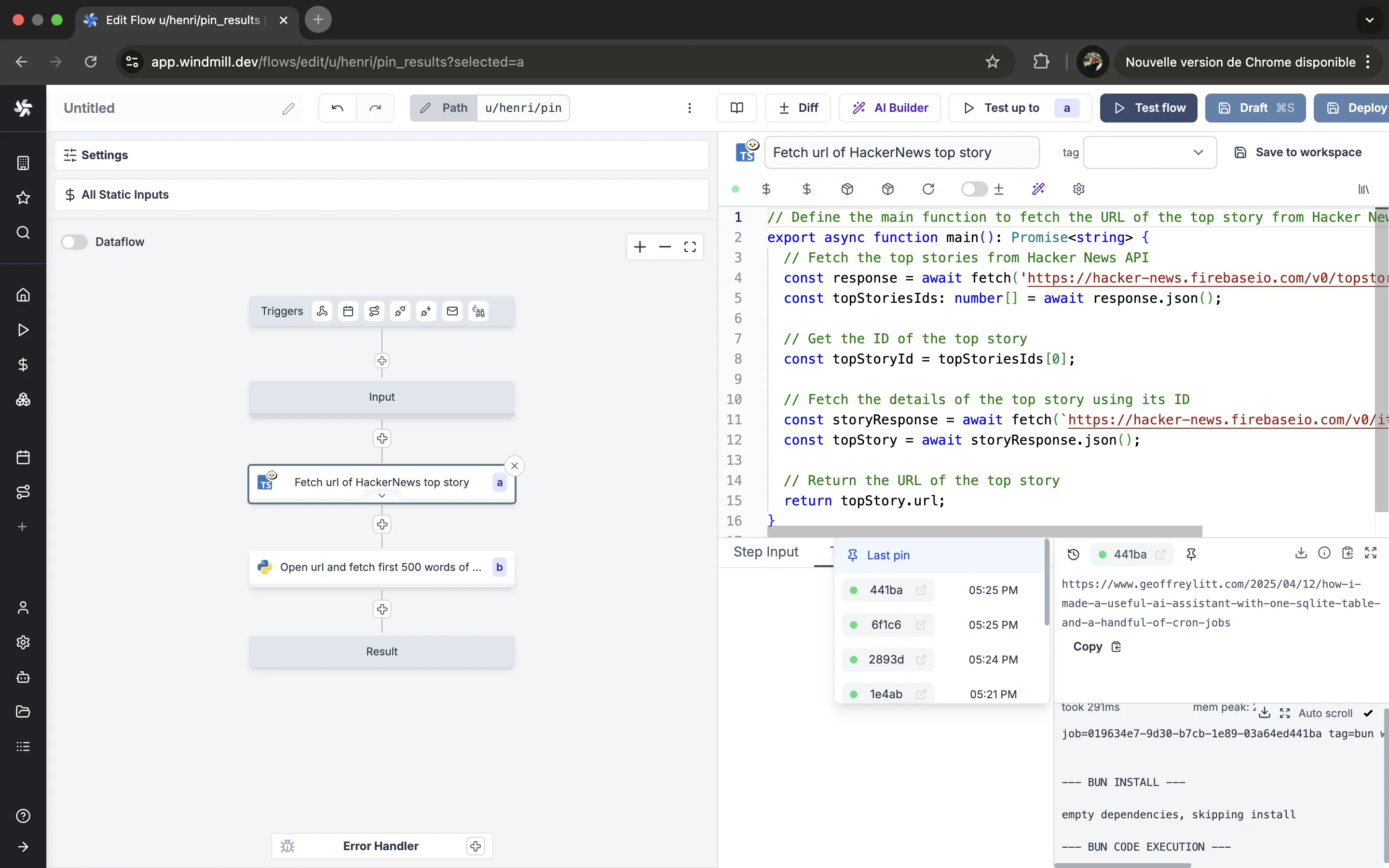
Test this stepmenu.
Features
History exploration
- Use the history button to explore previous step results.
- View and select from past successful runs.
- Imported flows and scripts retain their run history.
Pinning results
Pin any successful run result to reuse it.
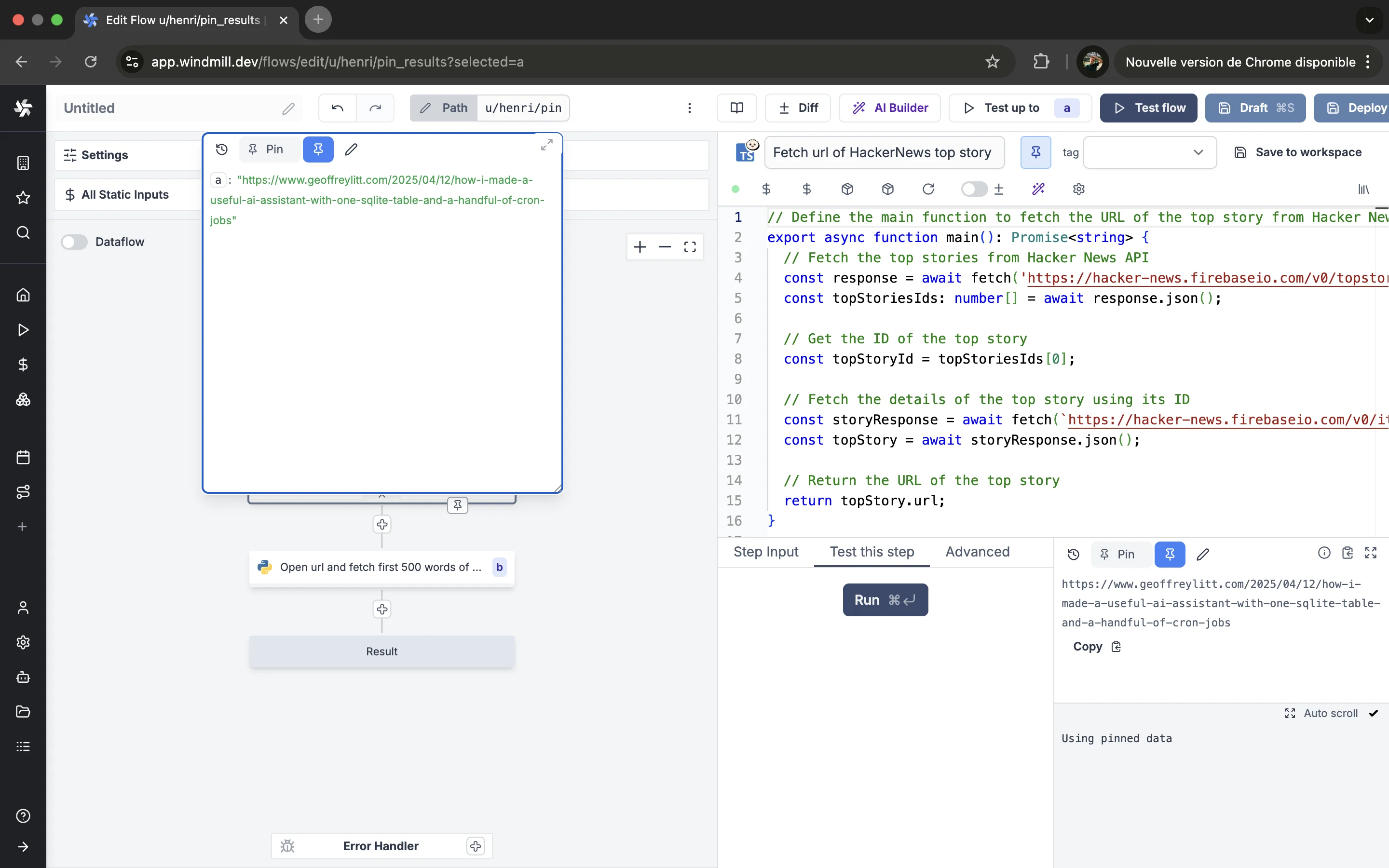
You can edit pinned data by overriding pin functionality (you can still test the step).
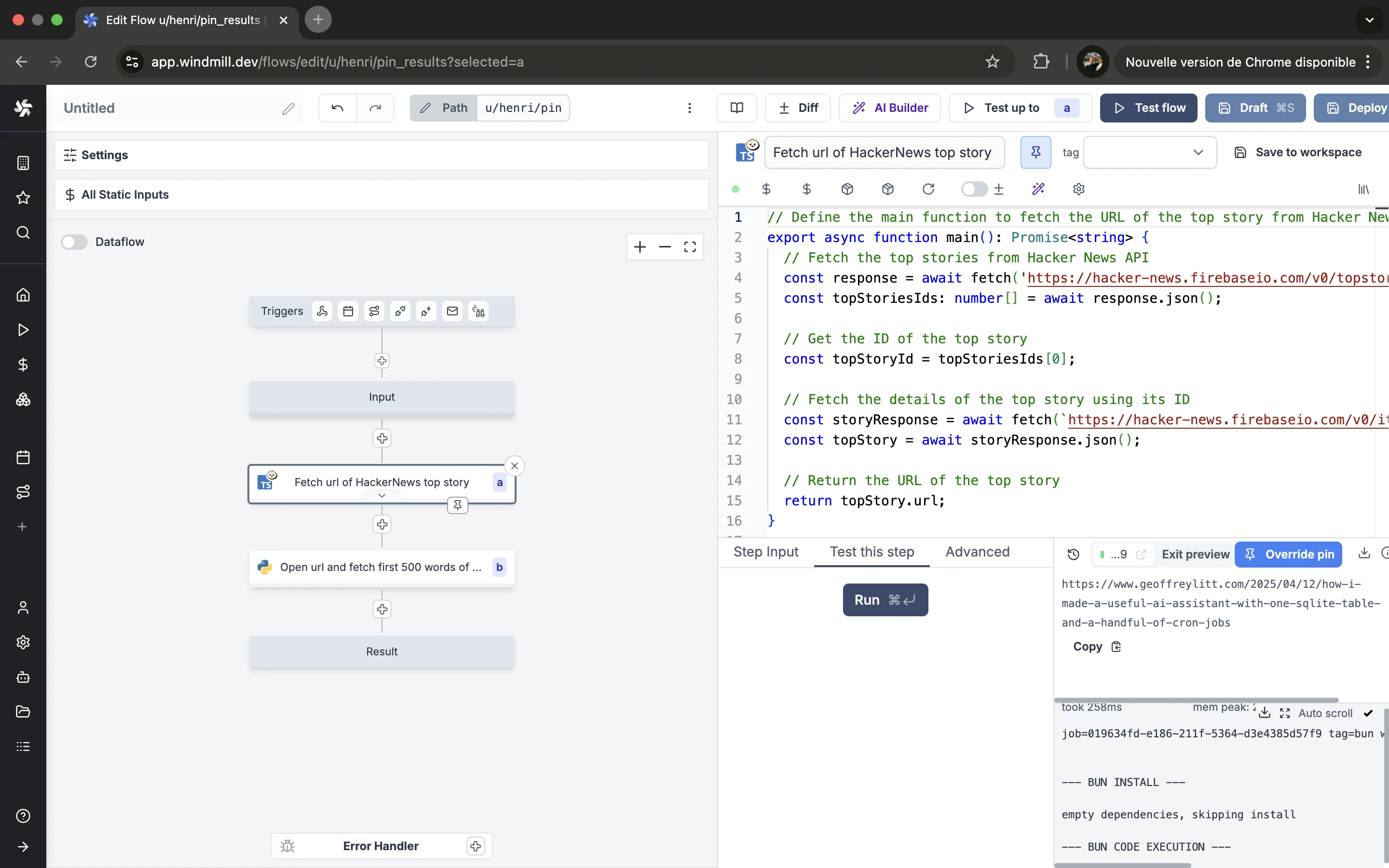
Mocking
You can also edit the mocked value directly.
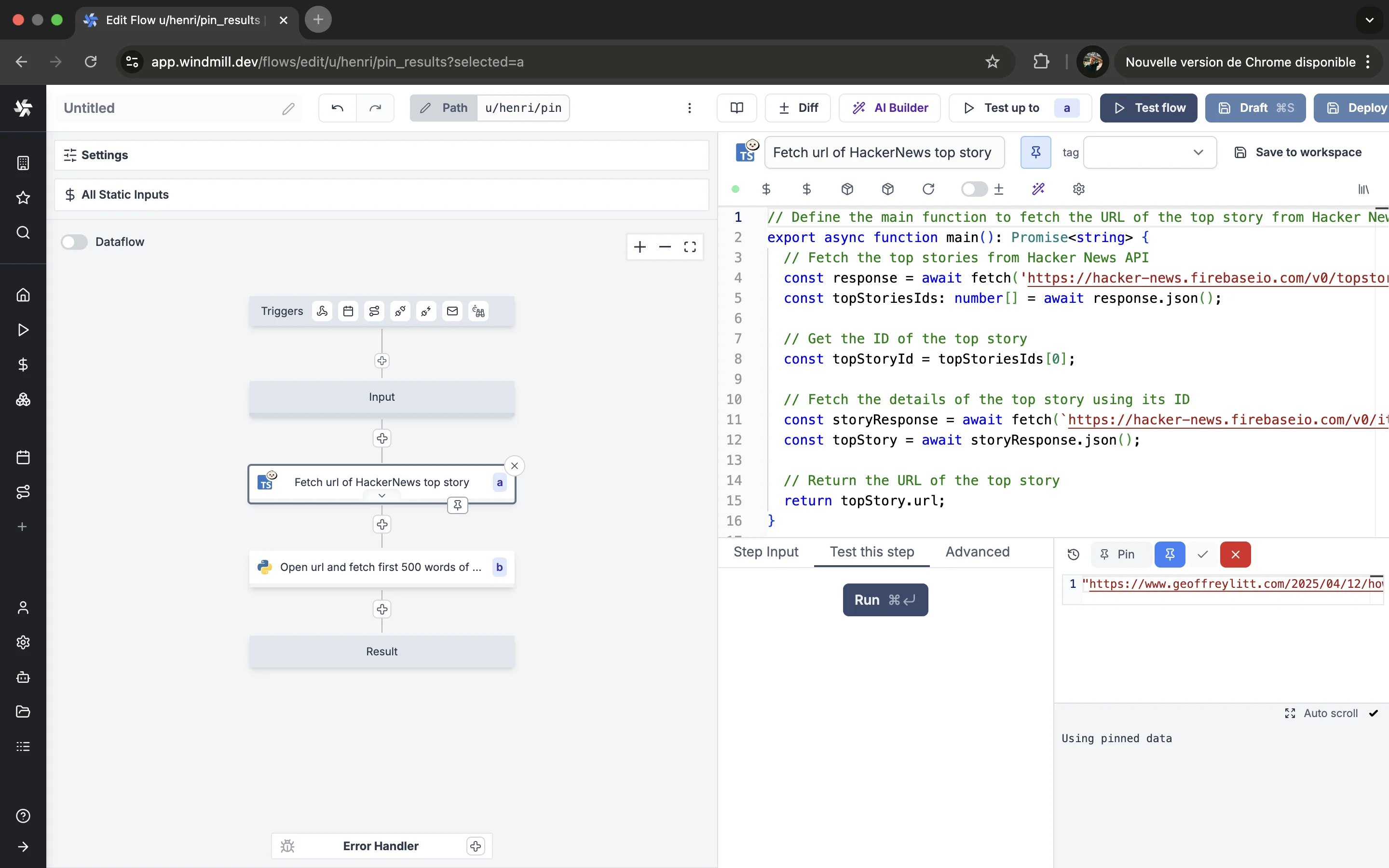
Test step functionality remains available even with pinned results.
Test runs or every run
A pin or mock applies either to test runs only or to every run. Choose it with "Applies to" in the step's mock settings, or from the pin button's menu.
- Test runs: only runs started from the flow editor (testing flows) use the pinned value, including the subflows they call. Runs of the deployed flow (schedules, triggers, webhooks, the API, restarts of a deployed run) execute the step.
- Every run: deployed runs also return the pinned value.
A step pinned for the first time applies to test runs, so you can deploy a flow without the pin taking over production runs.
To mock steps of a deployed flow from a test script rather than from the editor, use testFlow or test_flow.
In the flow YAML, this is the preview_only key of the step's mock:
mock:
  enabled: true
  return_value:
    foo: bar
  preview_only: true # absent or false: every run
The cache for steps feature allows you to cache the results of a step for a specified number of seconds, thereby reducing the need for redundant computations when re-running the same step with identical input.