Concurrency limits
The Concurrency limits feature allows you to define concurrency limits for scripts, flows and inline scripts within flows. Its primary goal is to prevent exceeding the API Limit of the targeted API, eliminating the need for complex workarounds using worker groups.
Concurrency limit is a Cloud plans and Self-Hosted Enterprise Edition feature.
Concurrency limit can be set from the Settings menu. When jobs reach the concurrency limit, they are by default queued for execution at the next available optimal slot given the time window, or they can fail at once.
If the jobs holding the slot finish early, you can start a deferred job now without changing its job ID.
The Concurrency limit operates globally and across flow runs. It involves three key parameters:
Max number of executions within the time window
The maximum number of executions allowed within the time window. If the number of executions exceeds this limit, the job is queued for execution at the next available optimal slot.
Time window in seconds
Set in seconds, the time window defines the period within which the maximum number of executions is allowed.
Custom concurrency key
This parameter is optional. Concurrency keys are global, you can have them be workspace specific using the variable $workspace. You can also use an argument's value using $args[name_of_arg].
Jobs can be filtered from the Runs menu using the Concurrency Key.
When the limit is reached
"When the limit is reached" picks what happens to a run whose concurrency key is full:
- Queue (default): the run is re-queued and starts at the next available slot.
- Fail: the run ends immediately as failed, with a
ConcurrencyLimitReachederror naming the key and the limit. A run failed this way never held a slot, so it does not count against the key's time window, and a run already holding a slot, a flow resuming, or a run waiting its turn behind another on the same key and tag, is never failed this way.
The check happens when a worker picks the run up, not when it is submitted, so a run set to fail is still created and appears in the runs list.
In YAML, set on_concurrency_limit: fail in a script's .script.yaml metadata, at the top level of a flow's value, or in an inline step's value.
Concurrency limit in Script & Flows
Concurrency limit of a script
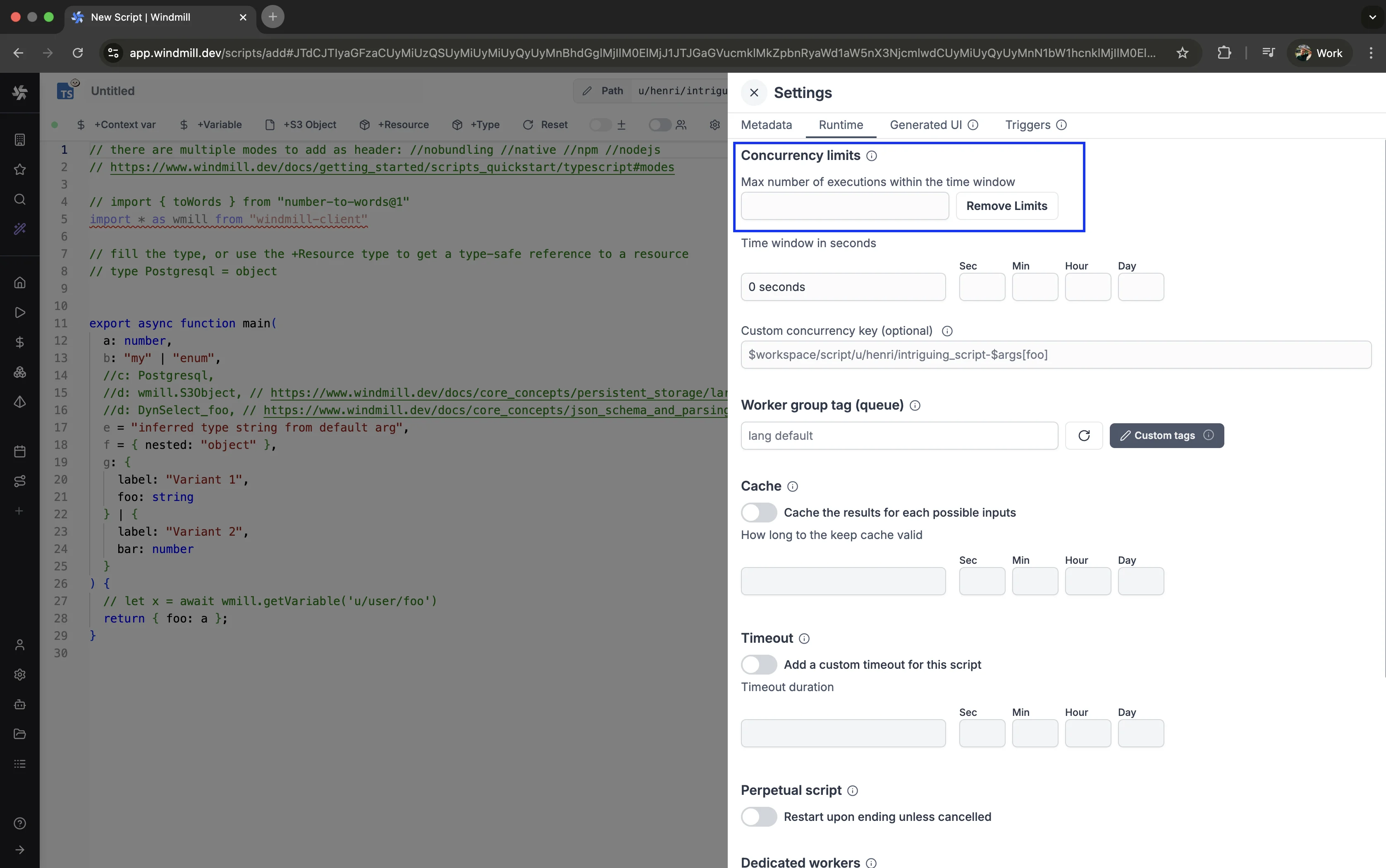
Concurrency limit of a script can be set from the Settings menu. Pick "Runtime" and then "Concurrency limits" and define a time window, max number of executions of the script within that time window and optionally a custom concurrency key.
Concurrency limit of a flow
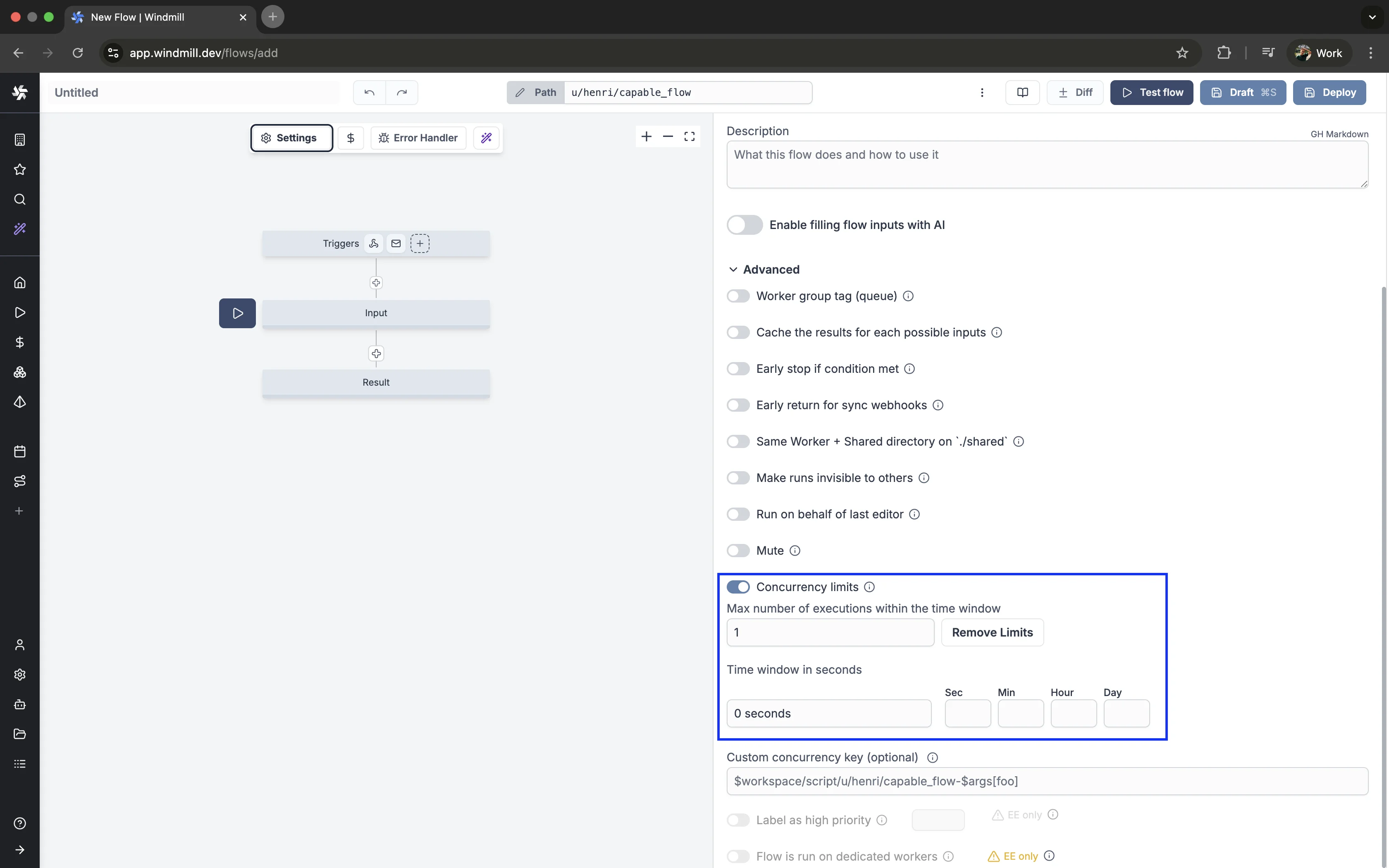
From the Flow Settings Advanced menu, pick "Concurrency limits" and define a time window, a max number of executions of the flow within that time window and optionally a custom concurrency key.
Concurrency limit of scripts within flow
The Concurrency limit operates globally and across flow runs. It involves two key parameters: "Maximum number of runs" and the "Per time window (seconds)."
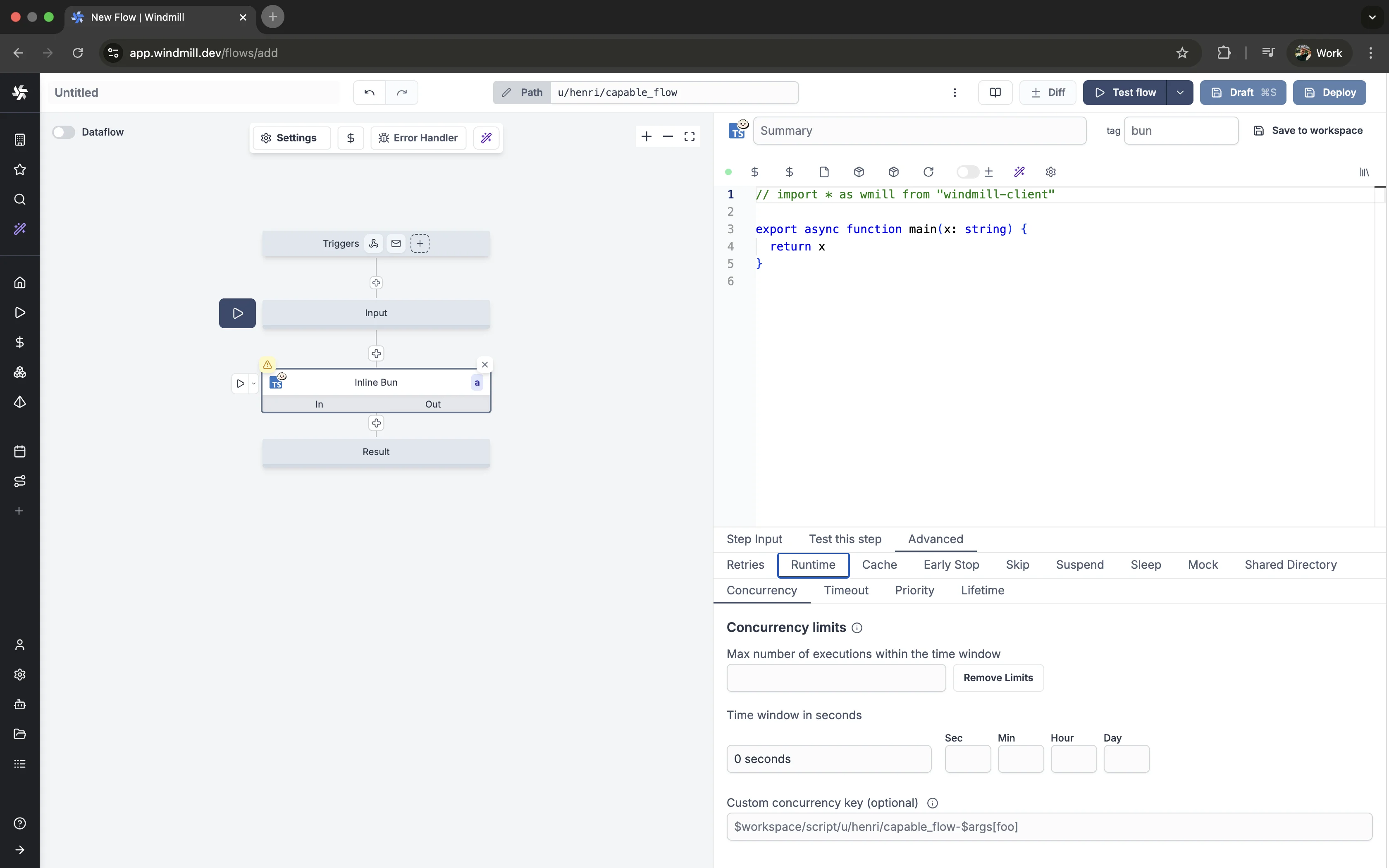
Concurrency limit can be set for each step of a flow in the Advanced menu, on tab "Runtime" - "Concurrency".